 Wishlist

When a weekend in a tent or a surprise outage hits, what to buy so you don’t end up with a heavy box that won’t run your gear?
Start by picturing the real devices you’ll actually power: phone, CPAP, portable fridge, laptop, LED lights, or a sump pump. Choosing the right portable power station means matching its capability to that list—capacity, output type, surge ability, recharge options—and balancing weight, budget and how often you’ll use it.
Decide what matters first: device list, runtime and portability
Before specs, do this quick inventory: write down each device, its power draw (watts or amps), and how long you want it to run. That gives two simple numbers you need: total wattage at any moment (what must run simultaneously) and total watt-hours (Wh) you need for desired runtime.
- Wattage example: a mini fridge might draw 100–200W, a CPAP 40–70W, a laptop 45–90W.
- Runtime example: to run a 60W CPAP for 8 hours you need ~480 Wh (60W×8h), plus a safety margin.
Key specs explained—what actually affects performance
Understanding four core specs keeps you from overpaying or buying undersized gear.
- Battery capacity (Wh): How much energy is stored. Higher means longer runtime but heavier and pricier. Use your runtime calculation to set a target.
- Continuous inverter output (watts): The power the station can supply continuously via AC outlets. Must meet the combined wattage of devices running at once.
- Surge or peak wattage: Short bursts needed for motor-driven devices (fridges, pumps). If you plan to run compressors or power tools, ensure surge rating covers their startup.
- Ports and inverter type: Pure sine wave inverters are needed for sensitive electronics (medical devices, some laptops). Check for AC outlets, 12V DC output, USB-A, and USB-C PD if you want fast phone/laptop charging.
Match the use case: pick by how you’ll use it
Organize choices by the scenarios most buyers face rather than by brand or size.
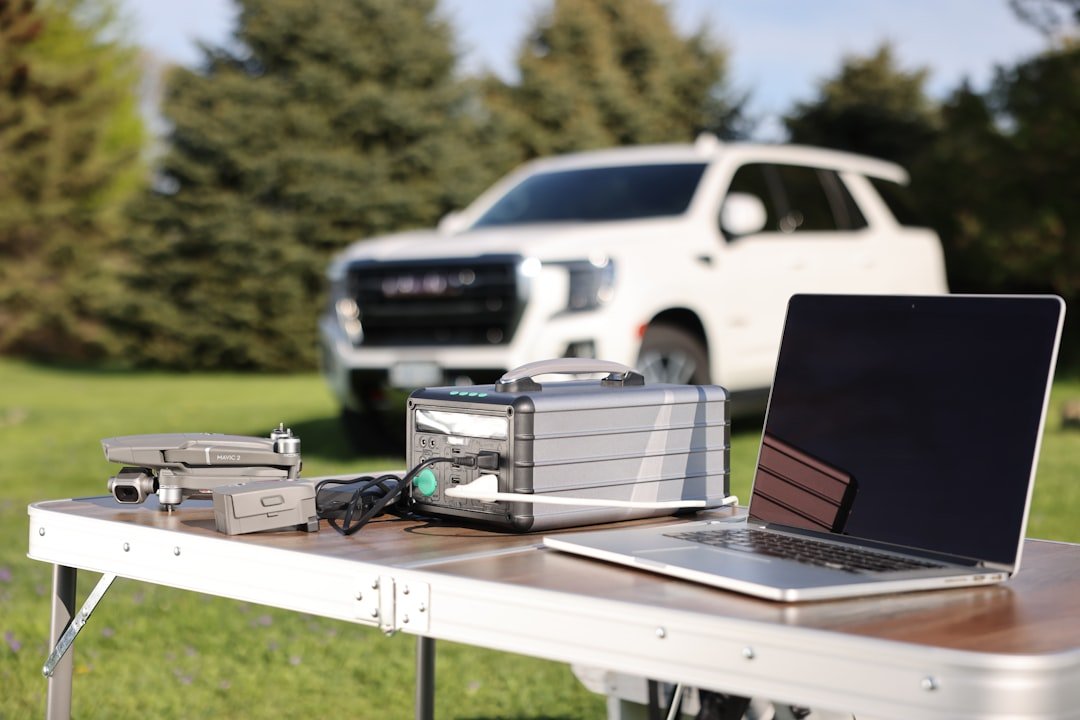
Weekend camping and tailgating
Priority: light weight, few hours to a day of runtime, USB-C/USB-A for phones, one or two AC outlets for small appliances.
- Look for 200–500 Wh capacity and 300–600W continuous output.
- Prefer stations with USB-C PD (60–100W) to charge laptops quickly.
- Consider included MPPT solar input if you want same-day daytime recharge.
Emergency home backup for essentials
Priority: higher Wh, strong continuous + surge output for refrigerators and medical devices, reliable recharge options.
- Target 1000 Wh+ for multi-night capability; 1500–3000 Wh if you want to run a fridge plus lights and devices for multiple days.
- Continuous output of 1000W+ and surge 2000W+ covers most refrigerators and sump pumps.
- Pure sine wave and multiple AC outlets are important. Look for UPS-like features (pass-through charging) if you want seamless switching.
Daily off-grid use in a cabin or RV
Priority: cycle life, solar compatibility, expandable systems.
- Choose LiFePO4 batteries for longer cycle life if you’ll discharge daily (many models in the 1000–3000 Wh range now use LiFePO4).
- Ensure solar input supports the panel wattage you plan to deploy; MPPT controllers vs basic charge controllers matter for efficiency.
- Look for stacking or external battery options if you may grow capacity later.
Recharge options and how fast you’ll get there
Recharge time determines how useful the station is between uses. There are three common inputs:
- AC wall charging: Fastest on many models (2–4 hours for smaller units), but depends on charger wattage.
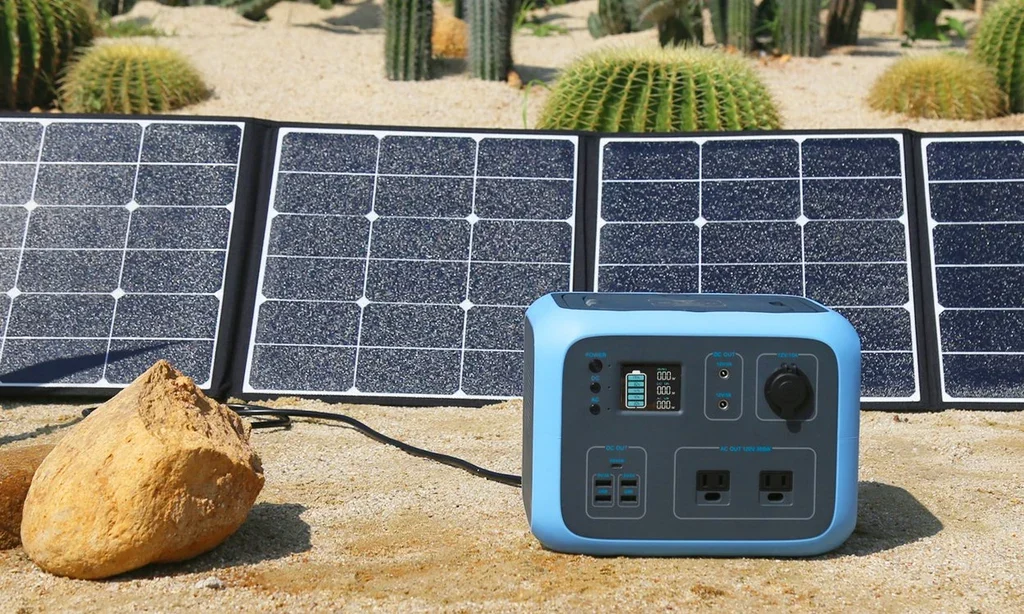
- Solar charging: Check the maximum solar input (watts) and voltage range; combined with panel wattage it predicts daily recharge under sun. A 400W panel array feeding a 500Wh station will recharge much faster than a 100W panel.
- Car (12V) charging: Convenient but slower—good as a supplement, not primary method for big capacity.
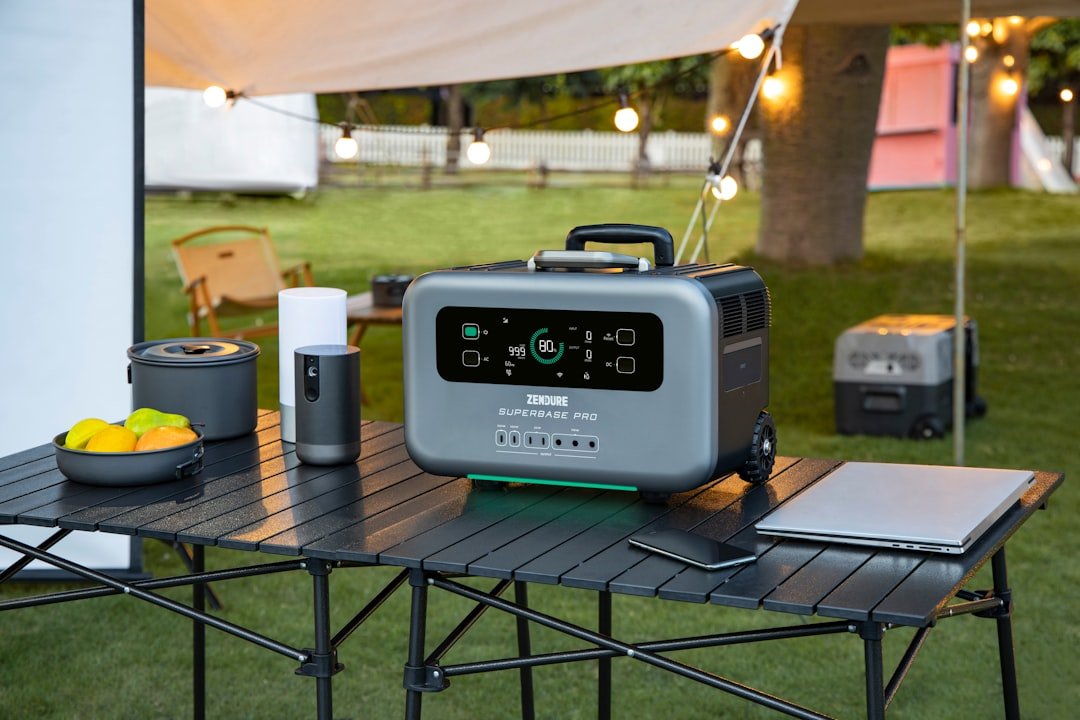
Longevity, durability and real-world trade-offs
Decide which trade-offs make sense for your needs:
- Weight vs capacity: If you carry it, every extra 100 Wh adds weight. For car camping, favor capacity; for backpacking, neither typical consumer station is practical.
- Battery chemistry: Lithium-ion is lighter and cheaper; LiFePO4 lasts longer and tolerates deeper discharges but is heavier and costlier up front.
- Warranty and cycle rating: Look for cycle-life estimates (e.g., 80% capacity after X cycles) and at least a 1–2 year warranty.
- Real-world power draw: Devices draw more at startup; budget 20–30% headroom above calculated needs for inefficiencies and battery aging.
One helpful product for common needs
If your primary use is weekend trips and occasional home backup, a mid-size, highly ranked model often fits best: enough Wh to run a fridge for a night, multiple outlets, and solid solar input.
How to test a station before you rely on it
When you receive a unit, run these checks:
- Plug in each device you expect to use and verify the station’s estimated runtime matches reality within a 10–20% margin.
- Test solar charging with your panels in actual sun; measure real input watts during midday.
- Run a high-startup device (fridge or pump) and confirm the station handles the surge without shutting down.
Common mistakes to avoid
- Buying purely on Wh without checking continuous and surge watt ratings.
- Assuming USB-C PD equals whole-system power—some PD ports are limited even when the AC inverter is low-rated.
- Underestimating solar input limits—panels can be oversized but only help if the station accepts that input safely.
- List devices and calculate both simultaneous watts and needed Wh for runtime.
- Ensure continuous watt rating exceeds your peak simultaneous draw.
- Confirm surge rating covers motor-start loads for fridges/pumps.
- Pick inverter type (pure sine) for sensitive electronics and medical devices.
- Match solar input capability to the panels you can realistically deploy.
- Consider battery chemistry and cycle life for frequent use.
Focus on real-world needs: compute runtimes from your actual devices, then pick a station that covers both Wh and continuous/surge watt needs while fitting your recharge plan and portability limits. One good mid-size unit often serves both camping and occasional home backup; step up to LiFePO4 and larger Wh only if you need daily off-grid use or multi-day outages.
How do I calculate how much Wh I need?
Multiply each device’s wattage by hours of use, then add them together. For safety, add 20–30% extra capacity for inefficiencies and startup surges.
Do I need a pure sine wave inverter?
Yes for sensitive electronics, medical devices, and many modern fridges and laptops—modified sine can cause noise or damage in some gear.
Can I recharge a power station with any solar panel?
Only if the panel’s voltage and wattage are within the station’s input specs. Check the max solar input (W) and voltage range; MPPT controllers improve efficiency.
Is LiFePO4 worth the extra cost?
For daily cycling or long-term durability, LiFePO4’s higher cycle life often pays off; for occasional use, standard lithium-ion is lighter and less expensive.
How long do portable power stations last in storage?
Store partially charged (around 40–60%) and recharge every 3–6 months to protect battery health; check the manufacturer’s storage recommendations.